
Appearance
Get Started
NexusOrbit is an all-in-one SaaS boilerplate for building modern applications faster—without sacrificing code quality.
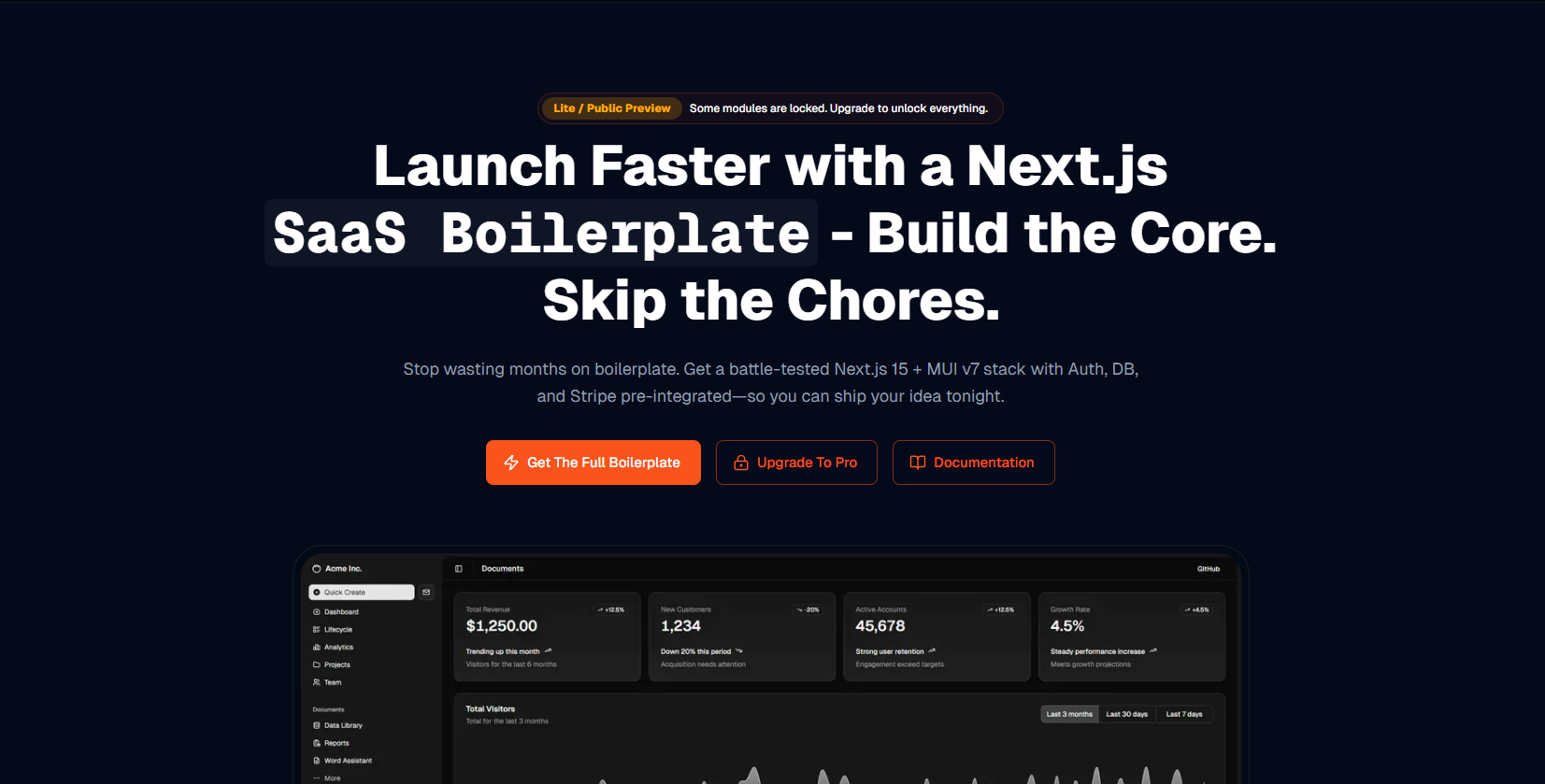
Build and launch in a day
This guide walks you through installing dependencies, setting up configuration, and preparing environment variables so you can run the app locally and start shipping.
Built-in Features
NexusOrbit comes pre-equipped with the essentials you need to launch quickly:
Authentication
Google OAuth and Credential-based integration
Payments
Stripe-powered subscriptions and checkout experience
Database
MongoDB database managed through Prisma ORM
Emails
Transactional emails via Resend with customizable React templates
Storage
Effortless file and image storage using AWS S3
Install Dependencies
bash
npm installApp Config File
Use src/config.ts to configure your application. Each key is documented—review it carefully before deploying.
Environment Variables
- Rename
.env.exampleto.env - Generate an
AUTH_SECRETathttps://auth-secret-gen.vercel.app/and paste it into.env
.env.example
env
AUTH_URL="http://localhost:3000"

# Generate SECRET using this https://auth-secret-gen.vercel.app/
AUTH_SECRET=""

DATABASE_URL=""

AUTH_GOOGLE_ID=""
AUTH_GOOGLE_SECRET=""

AUTH_RESEND_KEY=""

AWS_S3_REGION=""
AWS_S3_BUCKET_NAME=""
AWS_S3_ACCESS_KEY=""
AWS_S3_SECRET_KEY=""

STRIPE_SECRET_KEY=""
STRIPE_PUBLIC_KEY=""
STRIPE_WEBHOOK_SECRET=""
Migrate the Database
bash
npm run db:generate # Generate the migrations
npm run db:push # Apply changes to the database
Run Development Server
Open http://localhost:3000 in your browser to see the app in action.
bash
npm run dev